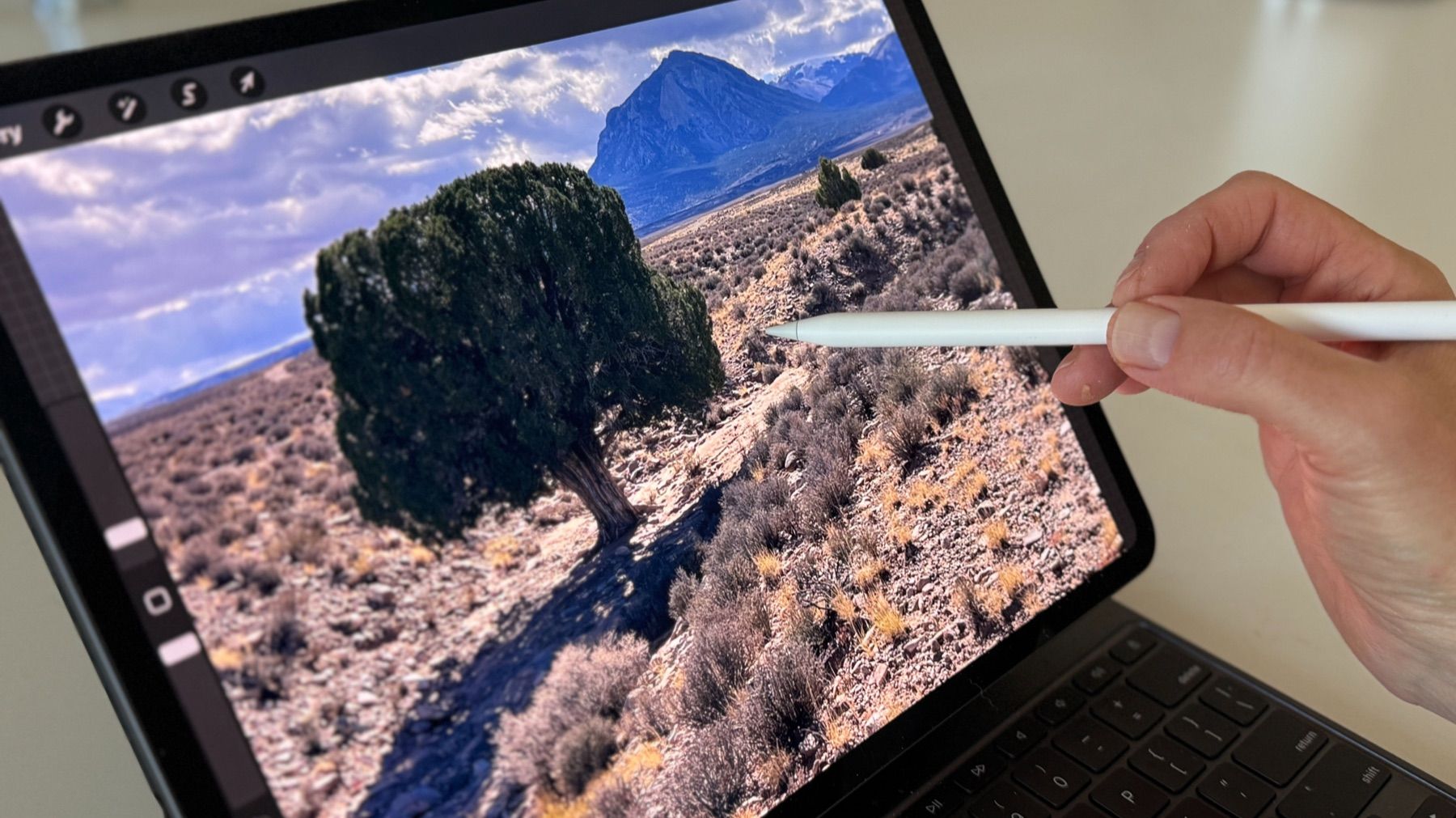
Step 01Choose the photo that still has a spark.
The Painter's Guide to Procreate is a monthly membership for traditional painters who want a stronger design before they reach the easel. It is not a digital illustration course, and it does not teach brushstrokes. You use Procreate as a low-pressure sketchpad, then paint in your own medium with a plan.
You saw something beautiful, took the picture, and felt ready to paint. But once you sit down, the reference feels flatter than the moment that caught you.
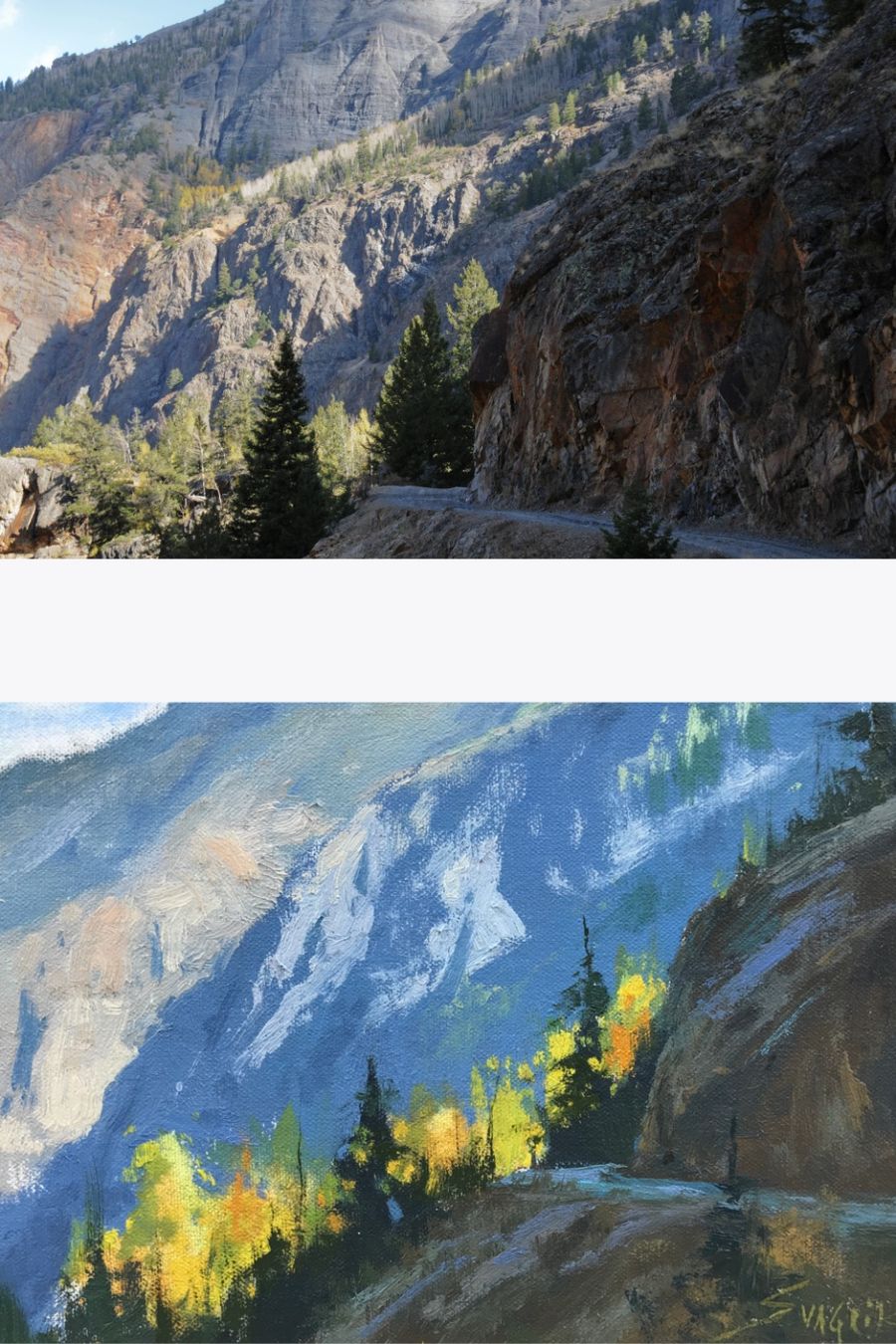
Protect the spark that made you stop and take the photo.
The real work begins before the painting begins. In this membership, Procreate becomes a simple place to crop, compare, combine, simplify, and test your design while the stakes are still low.
You are not learning digital illustration. You are learning to make better painting decisions: clearer values, stronger shapes, more intentional composition, and a plan you can carry to oils, acrylics, pastels, or watercolor.
Plenty of Procreate courses teach you to finish the picture inside the app. This one does the opposite: you plan a traditional painting in Procreate, then you paint it in oils, acrylics, pastels, watercolor, or whatever medium you already love.
Made for artists, not tech pros. If you can tap, swipe, and use an Apple Pencil, you can begin.
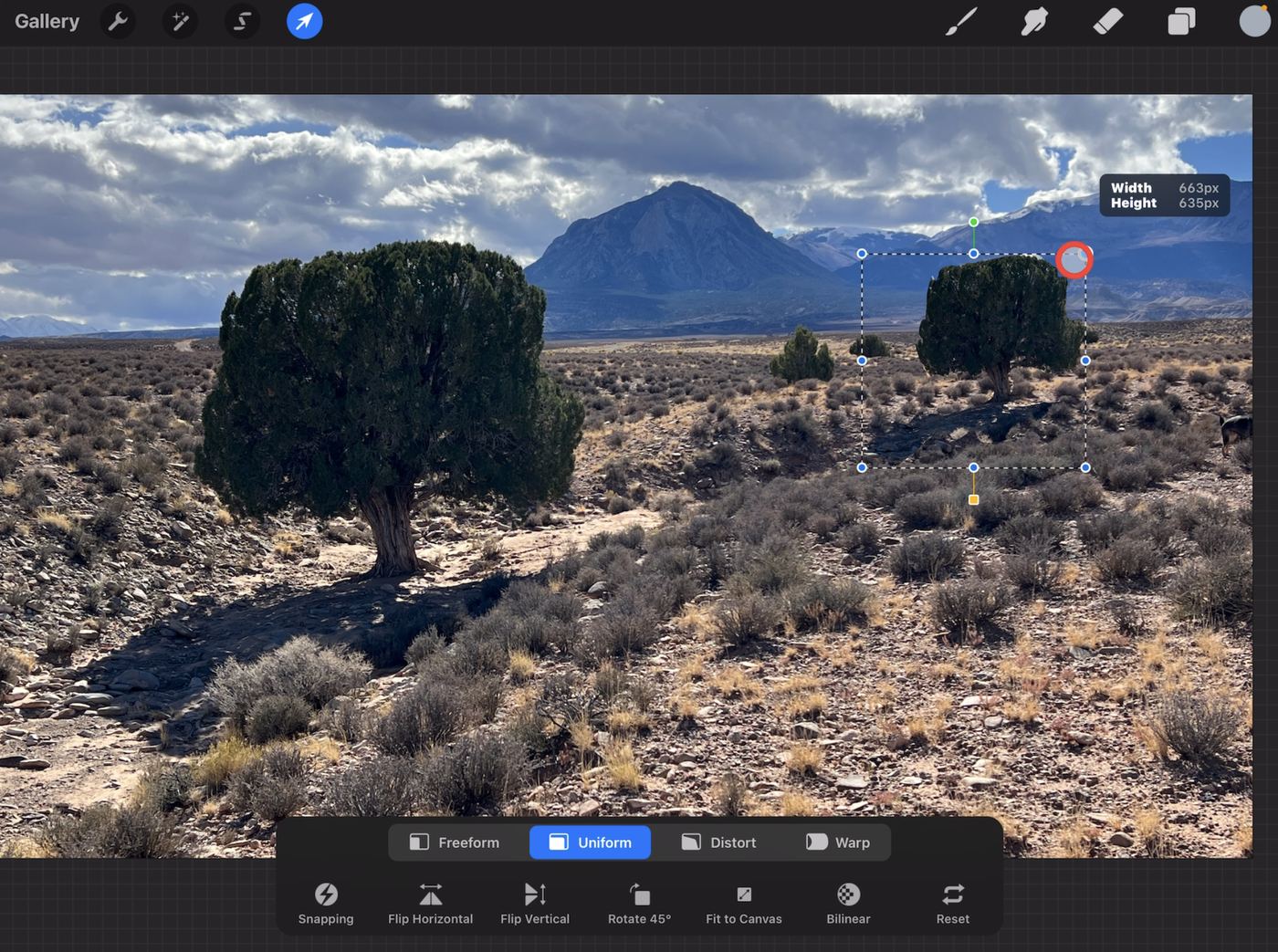
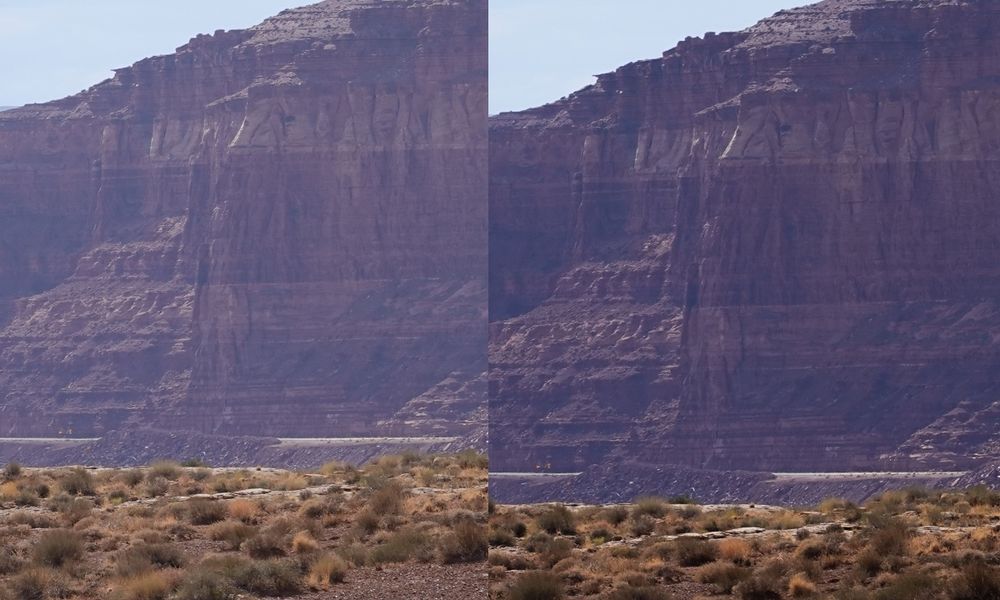
Use the tools to capture the moment that made your heart skip, and make it the foundation of your composition. This is not about mastering every button in the app. This is about knowing exactly what to use, and why, so your painting gets better from the start.
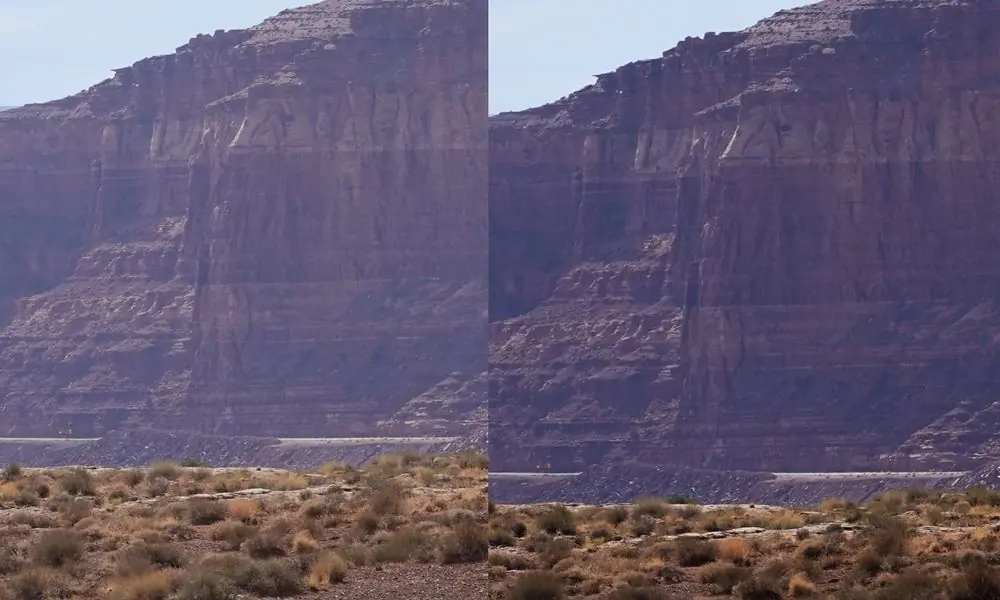
Let's be honest, getting the right values on your paintings is not easy. Sometimes it can feel like a guessing game. With the right tools and a simple process, you can start seeing values more clearly and make smarter value-design choices from the start.
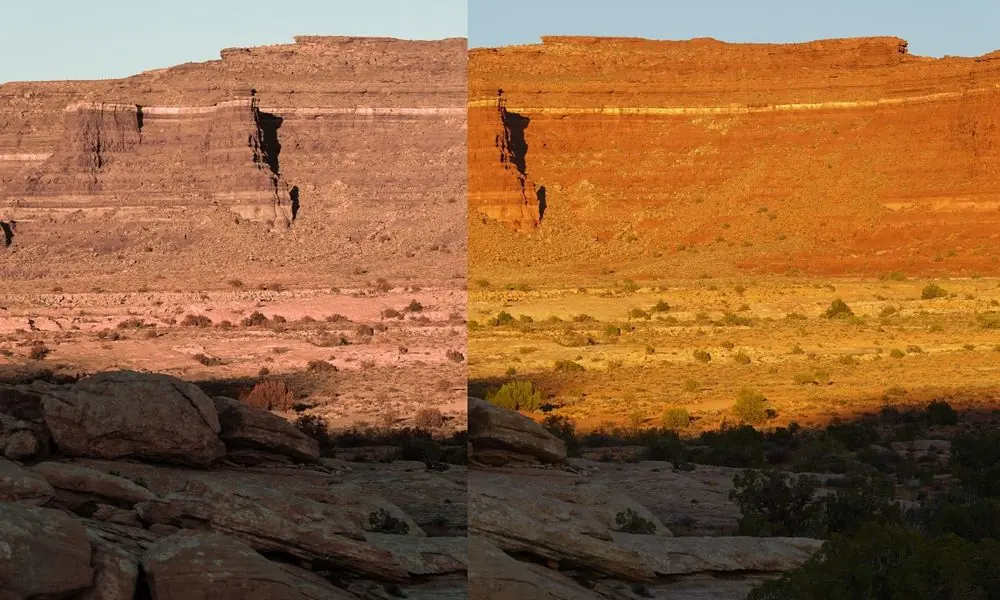
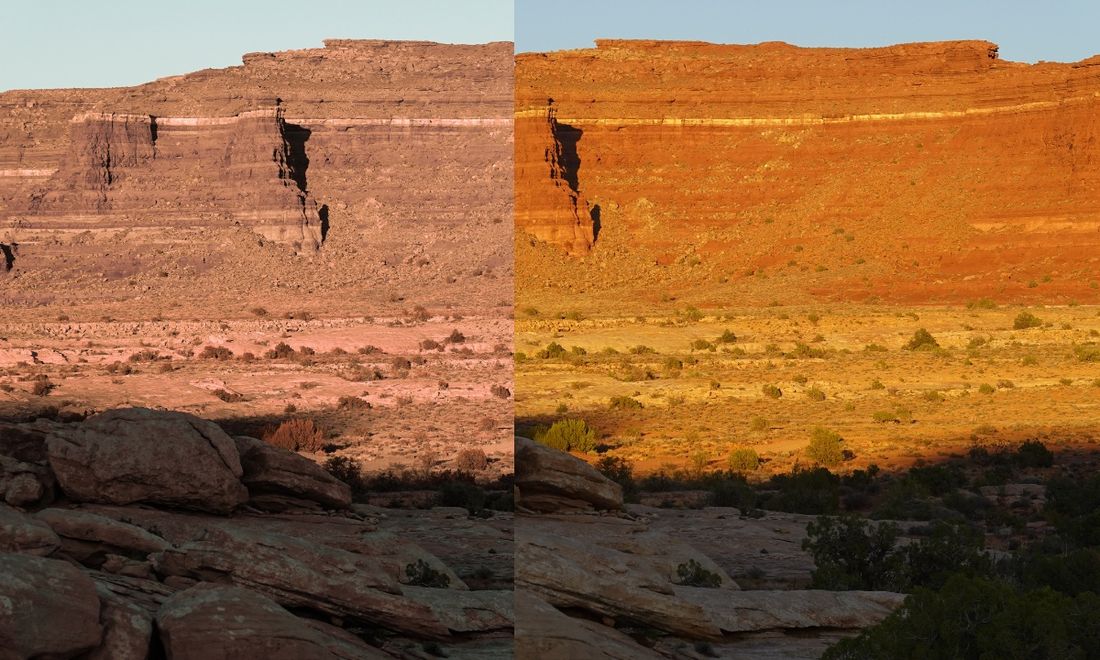
Color is often considered the final frontier in art. It can be challenging, not just in accurately perceiving colors, but also in knowing how to arrange them together to create the desired effect. I will show you how to clarify that process and use color in a way that reflects your artistic vision.
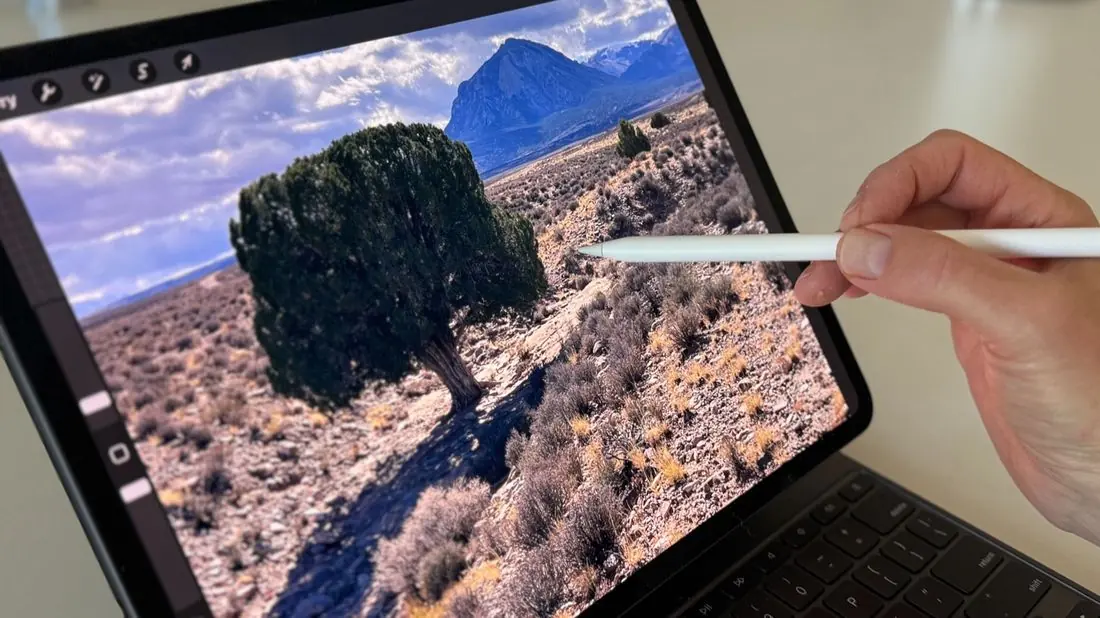
See how to move and scale objects in Procreate like a pro. Whether you want to nudge a tree over, resize a figure, or extend a path, you can easily fine-tune your composition before the painting begins, making the whole process smoother and a lot more fun.
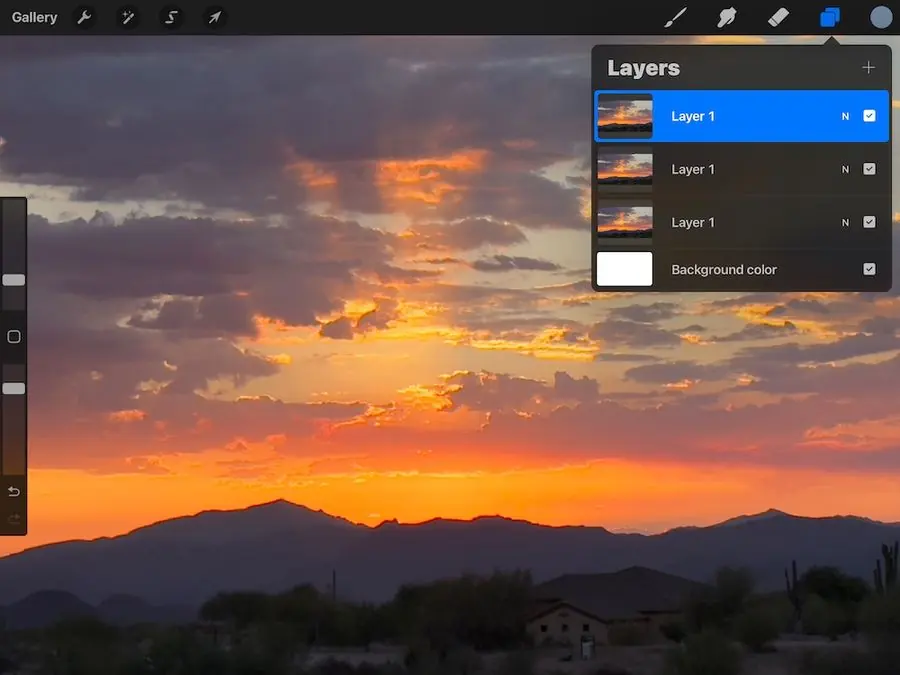
This feature is a total breakthrough. The moment you tweak your design, you can instantly compare different versions right in the app. It is fast, it is visual, and it puts the creative power in your hands, so you can choose the design that truly brings your painting to life.
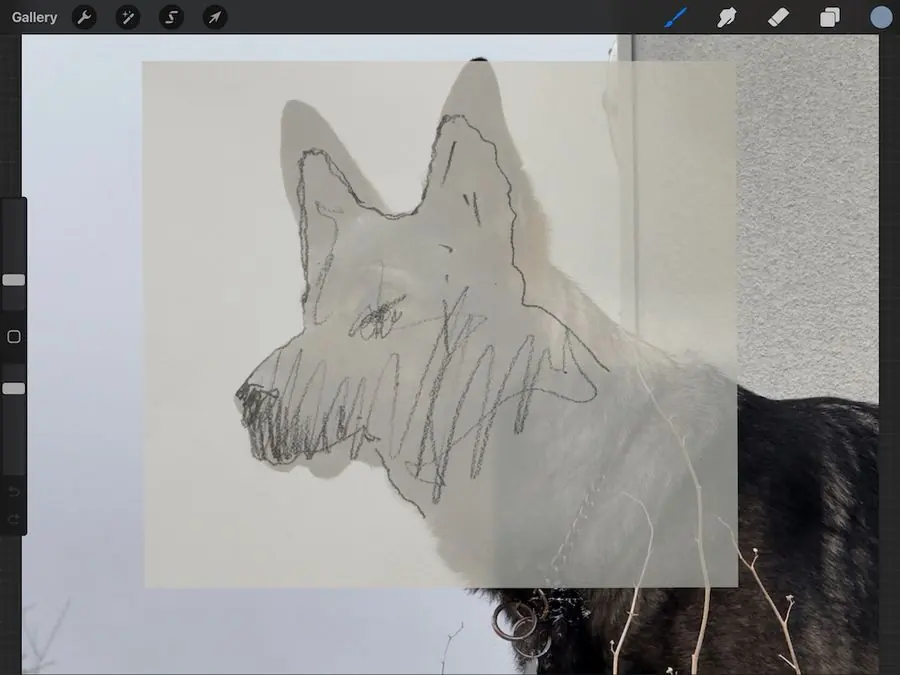
Nothing is more frustrating than being knee-deep in a figure or animal painting and suddenly realizing the proportions are off. Now you can double-check your drawing before any paint touches the canvas. It is like catching a mistake before it becomes a masterpiece-in-progress gone sideways.
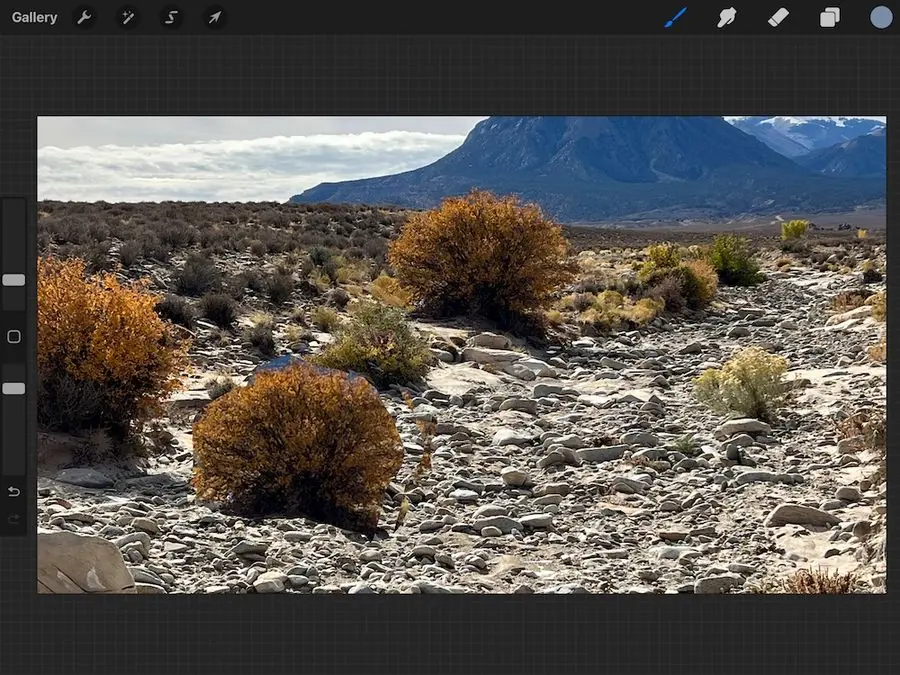
Unlock the full potential of your designs with Procreate's cloning tool. Easily replicate elements like rocks, trees, or textures and adjust their size and shape to create balanced compositions. This tool helps fine artists maintain consistency and experiment with their layouts effortlessly, saving time and enhancing creativity.
The goal is simple: make the painting feel like you, before you spend hours trying to rescue the design.
"I have truly enjoyed this course and your interaction with our progress, it has helped me a great deal. I don't feel like I am painting in a vacuum."
Laslie
"Excellent teaching skills! No fluff. Inspiring!"
Susan
"This Procreate course will fill a big gap. I like flipping back and forth between before-and-after layers! And I can't say enough about AI Gabor. This course offers me a whole new world."
Susan
"I have been studying how to use Procreate by listening to one lecture at a time and then trying it out with my image. Your instruction is awesome."
Candy
"It has already helped me make decisions when considering changes in my paintings, and I am only halfway through. The short, to-the-point lessons are just right for my artist attention span."
Vic
"I love your honest feedback! And I love that these are basics and apply to any medium since I am a pastelist."
Anne
"I'm loving your honesty and expertise. Composition makes all the difference, and your suggestions are invaluable. I appreciate that you teach the painter to make decisions, not just depend on you. You really know how to help us learn!"
Erica
Start with the photos you already have: landscapes, figures, still lifes, street scenes, anything that made you pause.
Crop, combine, compare values, simplify shapes, and try ideas without risking your painting.
Bring a clearer design to the easel and spend your painting time on expression, not second-guessing.
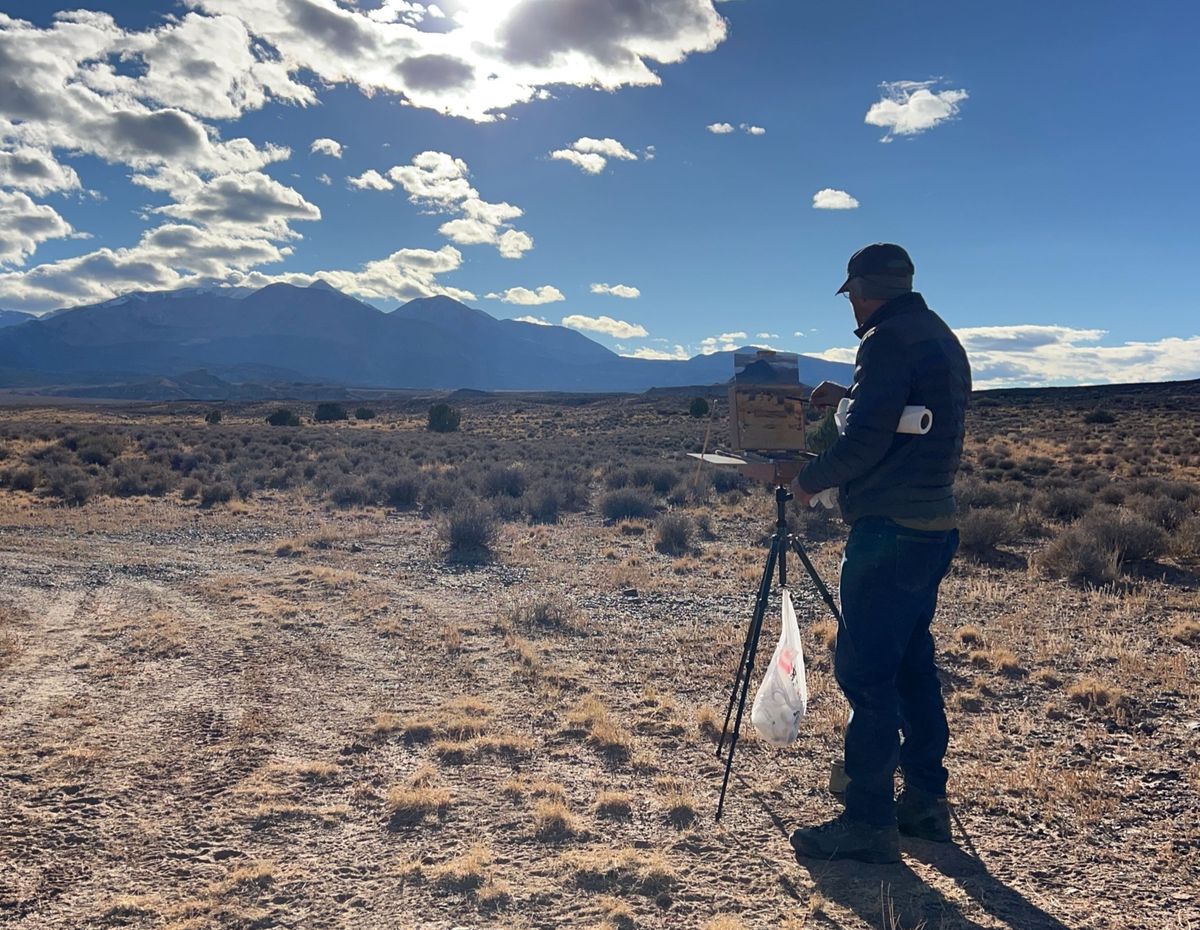
Gabor Svagrik is a professional fine artist who has used Procreate for years as part of his own painting process. His teaching stays close to the decisions painters actually make: values, shapes, composition, mood, and clarity. You can find more of that teaching at Svagrik Fine Art, including notes on unifying shapes, consistency, and a free video lesson.
Inside the membership, he guides you warmly and directly, with personal feedback that helps you learn how to make stronger decisions for yourself.
Less than the cost of a single workshop, with lessons, feedback, meetups, community, and a course library you can revisit anytime.
Yes. This course is built around using Procreate on an iPad. You will need an iPad, the Procreate app, and ideally an Apple Pencil so you can work directly with your own photo references. Check Procreate's official system requirements to confirm your iPad can run the current version.
Yes. The lessons are made for painters. If you can tap, swipe, and use an Apple Pencil, you are ready. Setup help is included.
Yes. The page starts at the beginning with clear, step-by-step guidance so your own photos can become your design material.
The membership is designed for less than an hour a week. You can revisit lessons anytime and move at your own pace.
There are videos showing you how to use Procreate for design: working from your photo references, testing crops, values, shapes, and compositions before you paint. But there are no demonstrations on how to paint finished pictures. This course helps you create a clearer and more interesting design before you are ready to begin painting.
Yes. Design translates across oils, acrylics, pastels, watercolor, and other traditional painting media. The lessons stay with values, shapes, and composition, so you take the plan to whatever medium you already paint in.
Less than an hour a week is enough to keep moving. Lessons are short, you can pause, and you can come back to the library whenever you have a photo you want to turn into a painting.
Most Procreate courses teach digital art: making a finished picture inside the app. This membership is for traditional painters. You use Procreate to plan the painting, then you paint it at the easel in your own medium.
A painting workshop usually shows brushwork, mixing, and how to finish a picture. This course does not demonstrate brushstrokes. It helps you make design decisions first, so the painting you start is already clearer.
Not yet. The membership is $49 a month, and the page is a wait list. Join the wait list and you will hear when the next opening is ready.
You can cancel or pause anytime. There is no lock-in, and support is there while you are inside.
Bring your photos, your iPad, and your painter's eye. Gabor will help you turn the beginning into the strongest part of the painting.